Live, on your screen
Book a live demo
A 30-minute live walk-through of the BidWebStudio site you would get, built for online and hybrid auction platforms, on your screen.
- Length30 minutes
- Plans from$127 / mo
- Build fee$697, after launch
On the call
What to expect
- 01
A video call, no slides
We share a screen and walk through a real build, not a slideshow of a generic template.
- 02
Built for your sale format
Estate, benefit, farm and equipment, fine art or municipal, we show the closest example.
- 03
A clear next step
You leave knowing the plan that fits, the launch date, and what we need from you.
Worth your time if
Good reasons to book
Running a sale on a spreadsheet or social page today
See what a real catalog and registration page looks like.
Moving off a slow or outdated site
We walk through how a redesign preserves your search rank.
Running more than one sale room
See how one plan covers multiple locations and categories.
Loading the booking calendar
The calendar is taking a while to load. Open the booking calendar in a new tab.
After their demo
What two auction businesses went on to get
They asked to see the questions customers genuinely ask us about auction consignments, which I respected. They identified which questions belonged on the site and we checked every answer before launch. I now share a link instead of digging through the outbox.
Pradeep NarayanVendor liaison, collectables and memorabilia saleroomSanta Rosa, CA Got, on Paddle FAQ research and editorial review for auction consignments
They pushed us to be precise about auction consignments, which felt slow at first and right at the end. The boundaries are drawn clearly: what the site settles, and what our people still decide. Customers arrive with realistic expectations, which changes the whole tone of the first call.
Benjamin EastwoodFront office supervisor, general consignment auction houseNewark, DE Got, on Paddle Service scope and expectations for auction consignments
Before your demo
What happens on the demo?
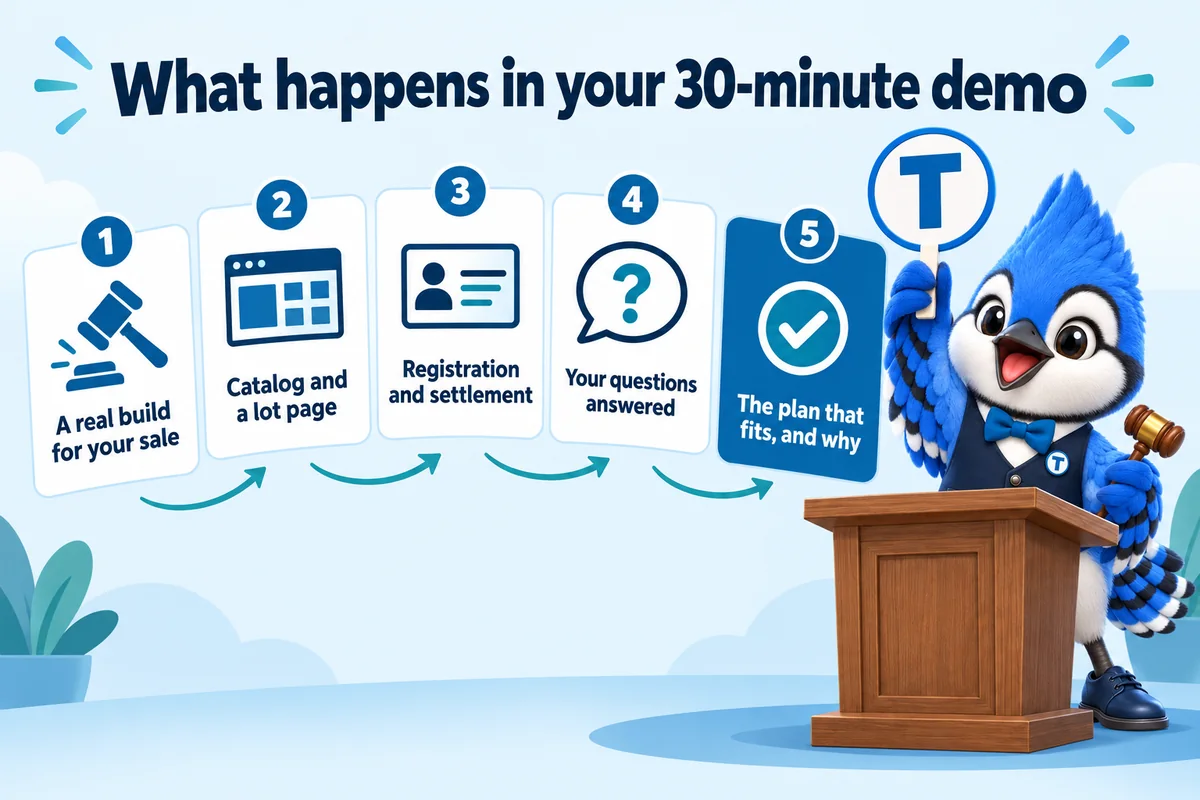
We share a screen and walk through a real build for your kind of sale: the catalog, a lot page, registration and settlement. Then we answer your questions and tell you which plan fits, and why. It takes about 30 minutes.
Is there any obligation after the demo?
No. The demo is free and nothing is charged until you choose to start a plan. If another option suits you better, we will say so.
What should I bring to the demo?
A link to your current site if you have one, the name of the bidding platform you use, and the sale types you run. Nothing else is required.
What does BidWebStudio actually build?
A website for your auction operation: a home page listing current and upcoming sales, a catalog page for lots, individual lot pages, a paddle or bidder registration page, terms of sale, and a settlement or results page once a sale closes. We do not run the bidding itself; the site presents your sales and links or embeds the bidding platform, CRM or payment processor you already use.
How long until my site is live?
7 days on Paddle, 10 on Rostrum while the AI agents are trained, and 15 on Block with the content engine running. The clock starts at the onboarding call, not at purchase, so the sooner the onboarding form is in, the sooner the site is live.
Can the site carry more than one sale at a time?
Yes. The catalog structure is built to list several active or upcoming sales on the home page, each linking to its own set of lots, closing times and terms, which matters for an operation running more than one sale room or event.
What happens straight after I buy?
You fill in the onboarding form and submit it. It asks for the kinds of sales you run, your paddle or bidder registration process, your brand, your domain and where inquiries and consignment requests should land, and it takes about 15 minutes. If something is missing, submit anyway: you can send the rest by email or raise it as a ticket in your client portal, and it will not hold up the build. We then run one onboarding call to fill any gaps and agree the launch date.
What is the client portal?
It is your account with us, and you get it the day your site goes live. From the portal you request revisions, raise a support ticket for anything that needs attention, send us files you still owe us, and message our team directly. Everything to do with your site runs through it, so nothing gets lost in an inbox. You never log in to the website itself; we handle that side.